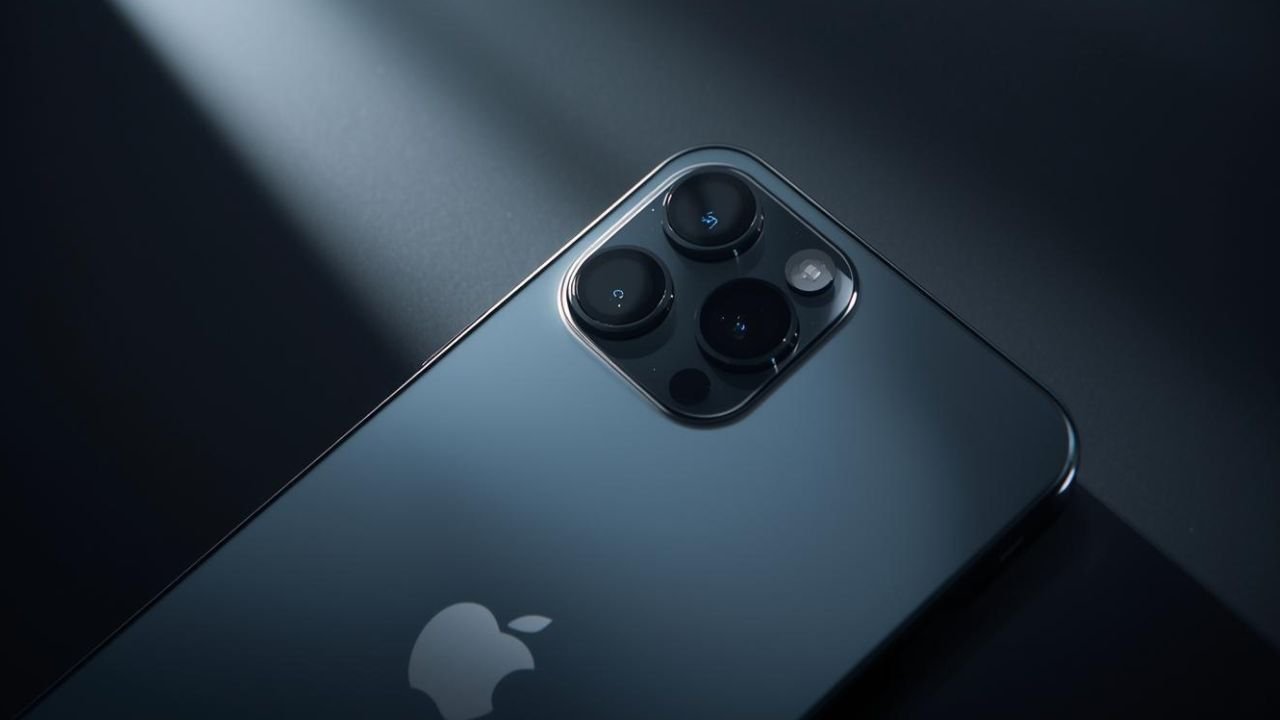
Apple’s iPhone lineup is known for consistent camera improvements year after year, especially in the high-end Pro models. But the latest iPhone 17 Pro and 17 Pro Max have unexpectedly dropped a fan-favourite photography feature: Night Portrait Mode. This change has sparked confusion and disappointment among many iPhone users, especially those who regularly capture low-light portraits.
In this article, we break down what the feature removal means, why it matters, how it affects everyday photography, and what users still can — and cannot — do with the new iPhone 17 Pro camera system.
What Exactly Has Been Removed?
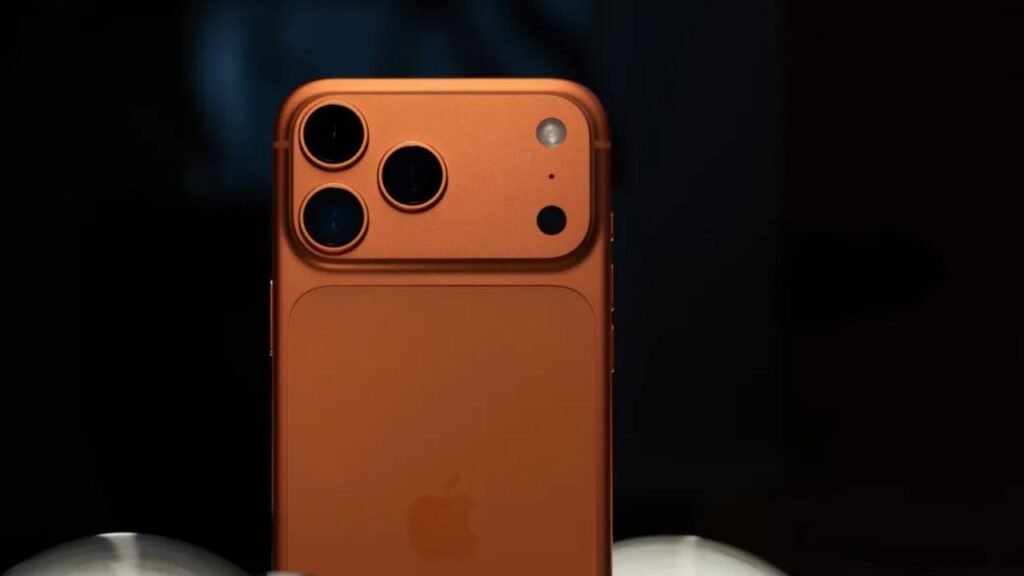
Until now, iPhones from the iPhone 12 Pro all the way to the iPhone 16 Pro allowed users to combine Night Mode with Portrait Mode. This meant you could take a portrait photo in low-light settings while still enjoying:
- Enhanced brightness
- Better detail
- Reduced noise
- Natural-looking bokeh (background blur)
But on the iPhone 17 Pro and Pro Max, this combination is no longer available.
When a user switches to Portrait Mode in low light, Night Mode simply disappears from the interface. You can take a portrait photo, but without the advantages of Night Mode; or you can use Night Mode in the standard Photo mode — but then you lose the depth information needed for portrait blur.
In short:
- Night Mode works only in Photo Mode
- Portrait Mode works only without Night Mode
- You can’t blend the two anymore
This is a complete reversal from previous Pro-series models.
Why Is This Important?
The Night Portrait feature was extremely popular among:
- Party and event photographers
- Travelers
- Social media users
- Everyday users taking pictures in restaurants, cafés, or outdoor night settings
The combined mode produced photos with a well-lit subject and the artistic blurred background effect that Portrait Mode is known for.
It brought DSLR-style nighttime photography to mobile devices — one of Apple’s strongest camera selling points.
Removing it means:
- Darker portraits
- Less clarity in dim environments
- More noise and grain
- No depth-based blur in night shots
For many buyers, this is a noticeable downgrade.
Read Also: Realme P4x 5G Launched in India: Full Specifications, Features, and Price Breakdown
Why Would Apple Remove a Useful Feature?
At the time of writing, Apple has not offered an official explanation, making the removal even more puzzling.
However, several theories have emerged among industry watchers:
1. Sensor or Camera Pipeline Redesign
The iPhone 17 Pro uses a new image-processing pipeline. It’s possible that the redesigned system processes night images differently, making it incompatible with depth capture at the moment.
2. Software Limitations
This could be a temporary issue — Apple might reintroduce the feature in a future iOS or firmware update if user feedback is strong enough.
3. Machine Learning Model Changes
Portrait Mode and Night Mode rely heavily on AI, and Apple may be transitioning to a new computational photography model that requires restructuring.
4. Strategic Feature Differentiation
Some experts suggest that Apple occasionally removes features to refine future features or shift focus to new camera technologies announced in later updates.
At this stage, however, all reasons are speculative.
What You Can Still Do on the iPhone 17 Pro Camera
Although Night Portrait Mode is gone, the iPhone 17 Pro still offers a powerful camera experience. Here’s what still works:
✔ Night Mode Is Still Available
You can still shoot excellent low-light photos in standard mode. The larger sensor and improved image engine enhance brightness and clarity.
✔ Portrait Mode Still Works
Portrait Mode remains available in good lighting conditions, offering:
- Natural depth effect
- Better skin tones
- Accurate edge detection
✔ Selfies Still Support Night Mode
Interestingly, Apple has left Night Mode for the front camera active, even though the rear camera combination has been removed.
✔ You Can Still Convert Standard Photos to Portrait Later
In well-lit environments, depth data is captured automatically, allowing you to apply portrait blur after taking the picture.
However, in Night Mode, depth data is not captured — so you can’t convert a nighttime photo to a portrait later.
✔ Strong Hardware Upgrades Still Exist
Despite the missing feature, the iPhone 17 Pro includes:
- A next-generation 48MP main sensor
- Improved computational photography
- Better color accuracy
- Sharper detail preservation
- Enhanced video tools
The camera is still powerful — just missing one convenient mode.
Read Also: Redmi 15C 5G Launched in India with 6000mAh Battery & 120Hz Display – Full Price and Features
How This Impacts Real-World Usage
For many users, the removal is significant.
Casual Photographers
People who click pictures at night in portrait style — for example, at birthday parties, night cafés, events, college hangouts — will notice the difference immediately.
Content Creators & Influencers
Influencers who rely on nighttime portrait shots for reels, stories, or TikToks may need additional lighting or third-party camera apps.
Professionals
Wedding photographers or event shooters using iPhone 17 Pro as an auxiliary camera will lose a practical tool for capturing quick nighttime portraits.
Average Users
Even regular users who don’t think about photography much will see that nighttime portraits look less bright and less artistic.
Can You Still Get Portrait Blur in Low Light?
Yes, but not with Night Mode.
Here are your current options:
Option 1: Use Normal Portrait Mode
Works best if there’s decent lighting — like street lamps or indoor lights — but doesn’t handle very dark scenes well.
Option 2: Use Standard Night Mode and Blur Later
Only works if the phone captures depth data. In low light, it will not capture depth, so this doesn’t always help.
Option 3: Use Third-Party Apps
Apps like Halide or Focos may simulate portrait blur, but results vary.
Option 4: Add Artificial Lighting
A small ring light or portable LED makes portrait shots possible again.
While none replace the convenience of Apple’s previous built-in Night Portrait Mode, they offer usable alternatives.
Is This a Dealbreaker for Buyers?
The answer depends entirely on your usage:
You Should Avoid iPhone 17 Pro If:
- You take many portraits at night
- You care deeply about low-light photography
- You want the full set of camera features available on previous Pro models
You Can Still Buy the iPhone 17 Pro If:
- You mostly take daytime photos
- You want a fast, powerful phone
- You rely more on video shooting
- You don’t use Portrait Mode frequently
If Night Portrait Mode is essential, older models like the iPhone 16 Pro, 15 Pro, or even 14 Pro may be better suited.
Final Thoughts
The removal of Night Portrait Mode on the iPhone 17 Pro is a surprising step backward for a company that usually adds — not subtracts — features each year. For users who frequently shoot low-light portraits, this may feel like a substantial downgrade.
However, the iPhone 17 Pro still offers a top-tier camera system with powerful hardware and improved Night Mode capabilities — just not in portrait photography.
Whether this change is temporary or permanent will depend on Apple’s future software updates. Until then, users will need to adjust their photography habits or consider alternative iPhone models if Night Portrait Mode was an essential tool.